Billing
Overview
The Billing page (/billing) is where your invoices live: what is owed, what
has been paid, and a receipt for each payment.
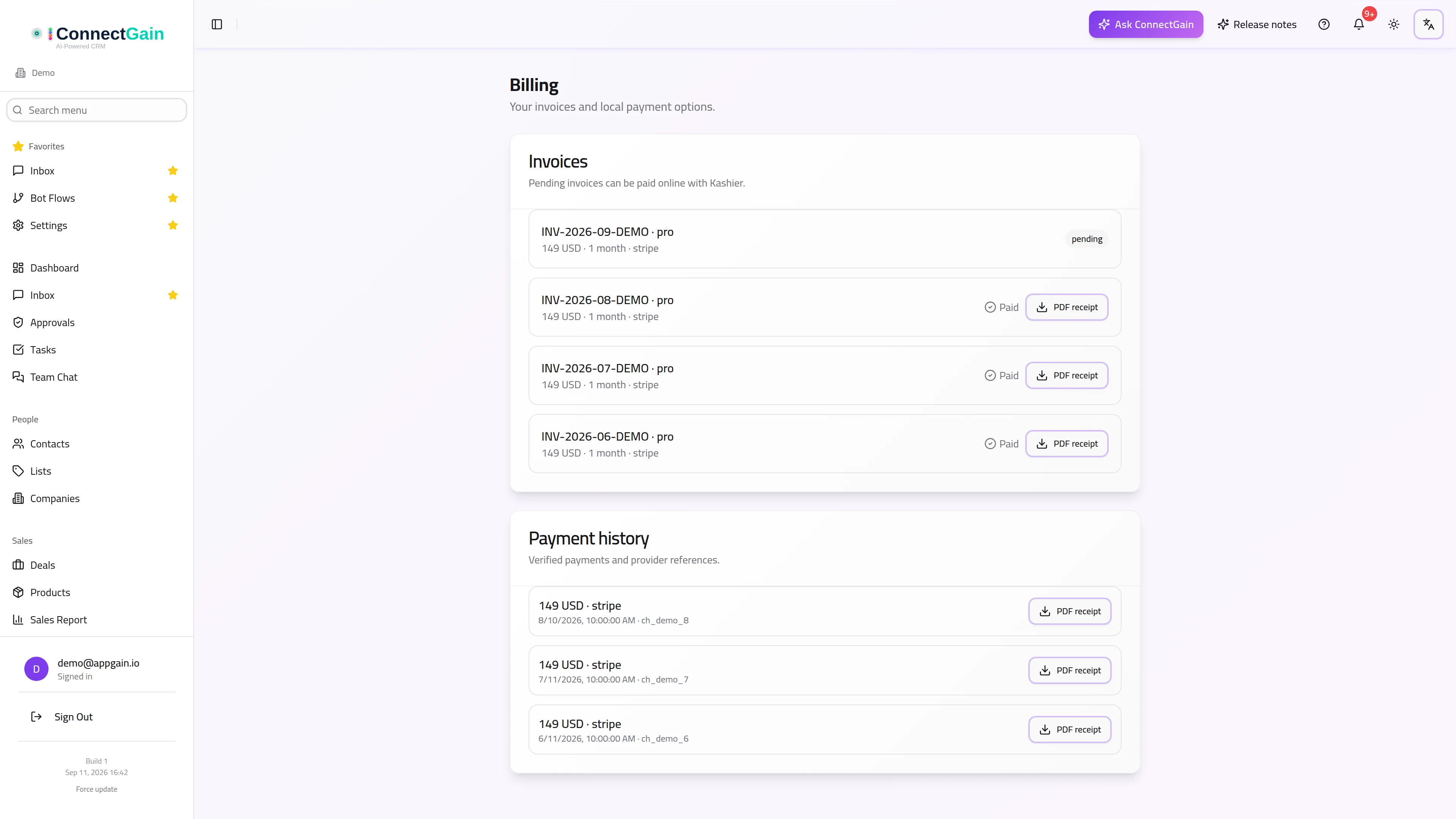
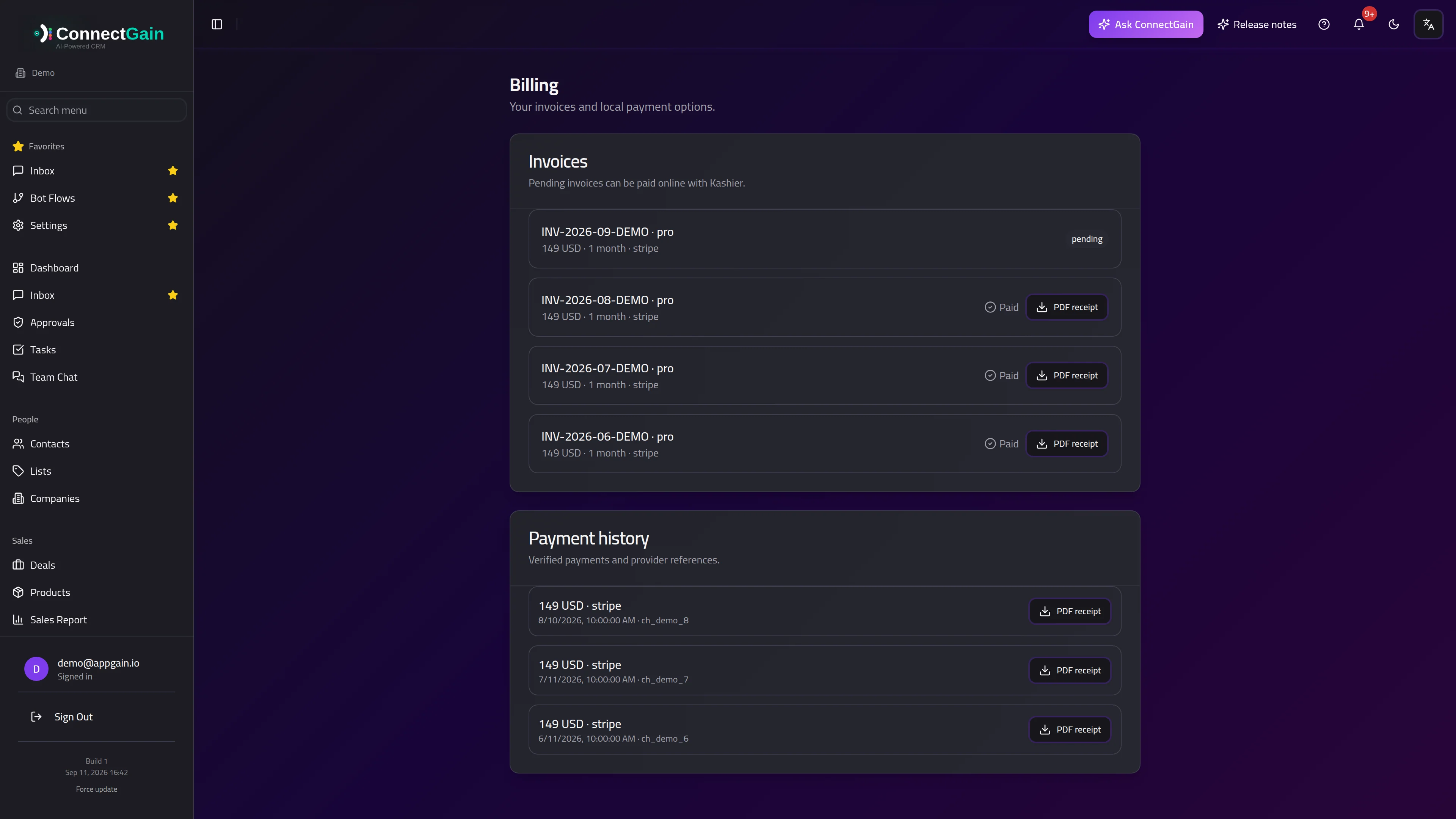 Billing: invoices, online payment and payment history.
Invoices
Each invoice shows:
- its reference and the plan it covers;
- the amount and currency;
- the period it pays for, in months;
- the status — pending or paid.
Paying a pending invoice
Pending invoices can be paid online. Choosing to pay opens the payment provider's hosted checkout; you are returned to this page afterwards.
Payment confirmation is not instant. Once you have paid, the page shows a Payment received notice while the provider confirms the transaction, and updates itself when that confirmation arrives. You do not need to pay again, refresh repeatedly, or contact anyone while that notice is showing.
Local payment and currency
Invoices are issued in the currency that matches your account's region. Accounts billed locally in Egypt are invoiced in EGP and pay through a local provider rather than an international card checkout; everyone else is billed in the plan's standard currency.
The currency shown on the invoice is the currency you will be charged. The Pricing page uses the same currency: if your plan will be billed in EGP, the plan prices are shown in EGP, at the same amount your invoice will show.
Paying through Kashier: trial, renewal and cancelling
Kashier, the local payment provider in Egypt, does not keep your card on file, so a Kashier subscription never charges you automatically. Each month is a new invoice that you pay yourself, and ConnectGain reminds you when one is due.
- Free trial. A new workspace gets a 3-day free trial. The invoice for the first month appears on this page straight away, and the workspace owner gets an email. Pay it any time during the trial — the paid month starts when the trial ends, so paying early costs you nothing. If the trial ends unpaid, the workspace moves to the Free plan.
- Renewal. Seven days before your paid month ends, the next month's invoice appears here with a Pay now button, and the owner gets an email reminder 7 days, 3 days and 1 day before. Paying early adds a full month to the current end date.
- Overdue. If the month ends unpaid, the plan keeps working for 3 more days while the owner gets a daily reminder. If the invoice is still unpaid after that, the workspace moves to the Free plan. Your data is kept, and you can subscribe again from Pricing.
- Cancelling. The Your subscription card at the top of this page shows the date you are paid until. An owner or admin can Cancel subscription there: the plan stays until that date, no further invoices or reminders are sent, and the workspace then moves to the Free plan. Resume subscription undoes it any time before then.
Reminders go to the workspace owner's email address.
Paying with InstaPay
Where InstaPay is available for your workspace, a pending Kashier invoice shows Pay with InstaPay next to Pay with Kashier. Choose one of:
- Scan a QR code — open your bank or wallet app, choose InstaPay, scan the code and approve. The code is valid for 30 minutes.
- Send a request to your InstaPay address — type your
name@instapayaddress and approve the request that appears in your bank app.
Keep the window open: it confirms the payment and activates the plan as soon as it goes through. InstaPay cannot charge you automatically, so each month's renewal is paid the same way.
Receipts
Every paid invoice offers a PDF receipt. Download it from the invoice row — it is generated on the spot, so there is nothing to request or wait for.
Payment history
Below the invoices, Payment history lists the payments themselves: amount, currency, provider and the date each was verified. An invoice tells you what was charged; the payment history tells you what actually went through, which is the list to check when reconciling with a bank statement.
Plans and add-ons
This page covers invoices and payments. Changing what you are subscribed to — your plan, or the optional add-ons — is done from your subscription settings rather than here.
Usage Reports add-on
The WhatsApp Usage and AI Consumption pages are part of the optional Usage Reports add-on, $5 per month. Until your workspace has it, the two pages show an upgrade screen with a button to buy it. You can pay by card, or through Kashier if you are billed locally in Egypt. Kashier add-ons are paid month by month: pay again before the month ends to keep the pages open.
Seeing what add-ons unlock from this page
Add-ons can only be bought once a workspace is on a paid plan. If you're on the Free plan, this page shows a short card explaining what the add-ons (Call Intelligence, Bot Builder, AI Re-Engagement, SLA Monitoring, Reply Assistant, Meetings, and others) unlock, with a link to Pricing to pick a plan first. If you're already on a paid plan but haven't bought every add-on yet, this page lists the ones you don't have yet as small chips — clicking one takes you straight to that add-on on the Pricing page.
Trial countdown
While your workspace is on a free trial, a small notice at the top of every page shows how many trial days you have left. On the last day it turns red and reads Trial ends today. Click Upgrade in the notice to open the Pricing page and pick a plan before the trial runs out.
Don't want to wait for the trial to end? On the Pricing page, your current plan shows a Pay now button instead of "Current plan" while you're trialing, and the other paid plans show Switch plan. Clicking Pay now charges the card on file immediately and ends the trial early — you don't need to pick a different plan to start paying. (Not shown if your workspace is billed through Shopify or Salla — manage those subscriptions from that platform instead.)
If a trial ends without upgrading
If a trial runs out without the workspace moving to a paid plan, the app shows a full-screen Your trial has ended screen on your next visit, and it stays until you upgrade — you can't dismiss it or keep working around it. From that screen you can click Upgrade now (which takes you straight to the Pricing page to pick a plan) or Log out; no other page in the app is reachable until the workspace is back on a paid plan. Your data is not deleted — it is waiting for you once you upgrade.
This only happens to a workspace that started a trial and let it lapse. The Free plan (see below) is a separate, permanent tier and is never locked this way.
Free plan and what it doesn't include
If your workspace isn't on a trial or a paid plan, it's on the Free plan — a permanent, fully usable tier, not a trial. A small Free plan badge in the header is always visible as a reminder; click it to see the handful of features (like Call Intelligence, Bot Flows and add-ons) that are reserved for paid plans, with a link to Pricing. The Dashboard also shows a dismissible card pointing at the same thing. Neither of these blocks you from using anything the Free plan includes — they're just a reminder of what upgrading unlocks.
Related
ConnectGain — omnichannel inbox, CRM & automation for WhatsApp, Messenger, Instagram, Telegram and more. Open the app · Docs home