Connecting Your Phone System
Overview
Call Intelligence transcribes and analyses your calls, but it can only do that for recordings it receives. This page covers the settings panel that connects your phone system to it — found under Settings → Call Intelligence.
You configure your phone system to post each finished recording to ConnectGain. From there, transcription, analysis and contact matching happen automatically.
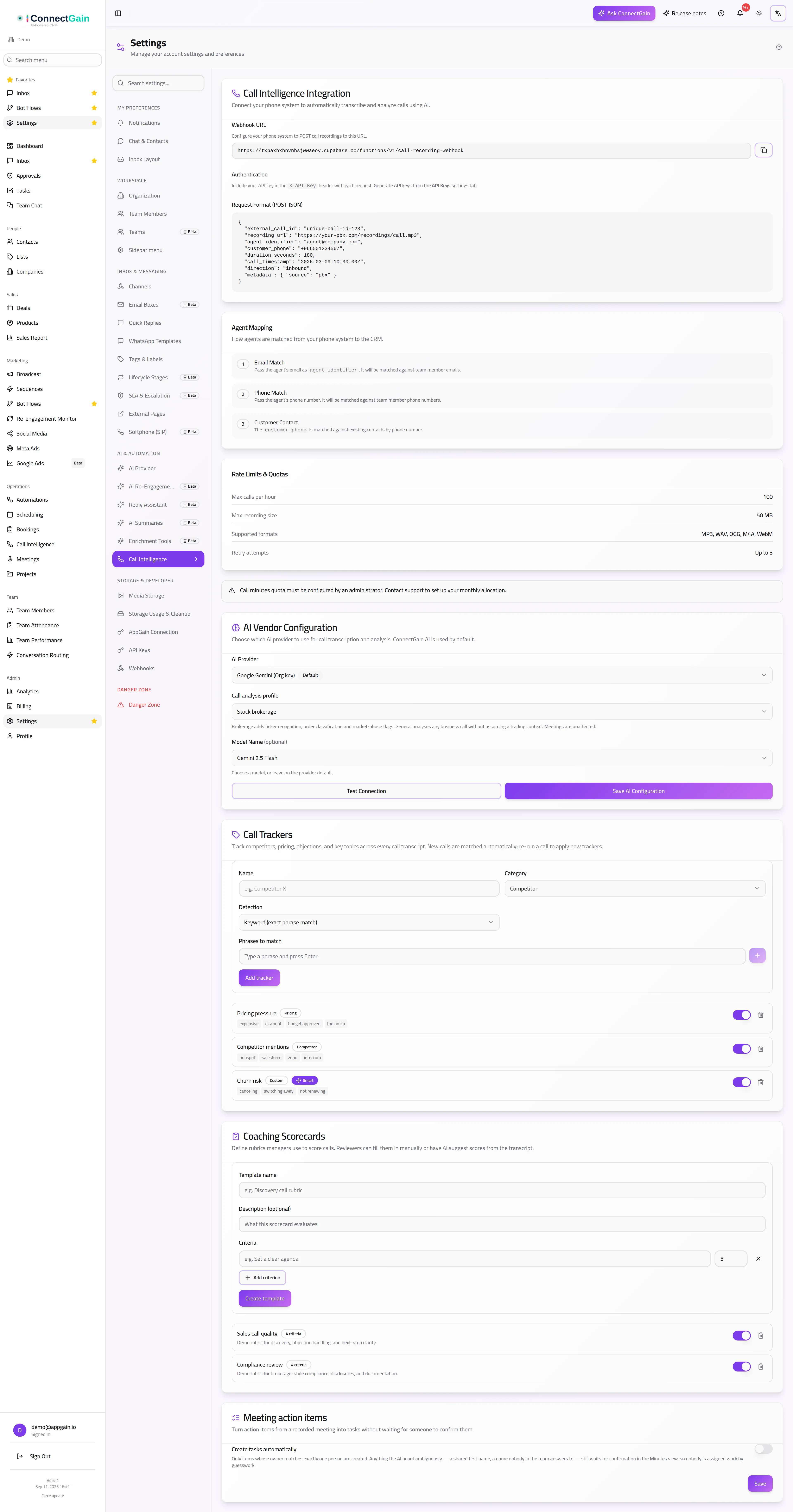
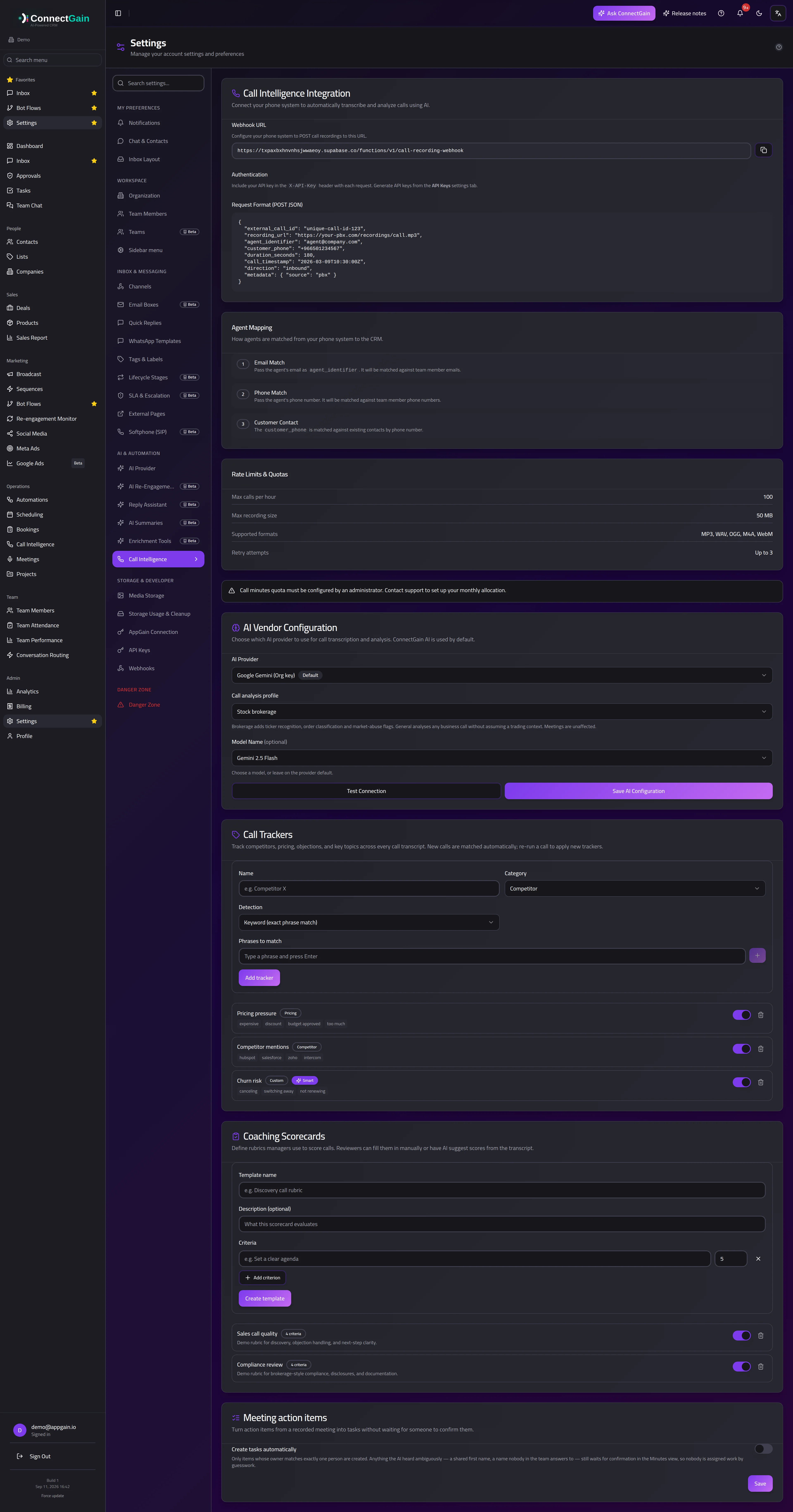 The Call Intelligence settings panel: webhook URL, authentication and limits.
What you need
- The webhook URL — shown in the panel, with a copy button. Your phone system posts recordings here.
- An API key — created on the API Keys settings tab. Send it in the
X-API-Keyheader with every request. - The request format — the panel shows the exact JSON body expected.
Requests without a valid key are rejected, so create the key before pointing your phone system at the URL.
How agents are matched
A recording arrives with information about who took the call. ConnectGain matches that to a team member in one of two ways:
- Email match — pass the agent's email address. It is matched against your team members' email addresses.
- Phone match — pass the agent's phone number. It is matched against your team members' phone numbers.
Use whichever your phone system already knows. If neither matches, the call is still recorded and analysed — it simply is not attributed to an agent, which leaves it out of per-agent reporting.
How customers are matched
The customer's number on the call is matched against your existing contacts by phone number. A match attaches the call to that contact's history, so the call appears on their timeline alongside messages and deals.
Numbers are matched in international format, so storing contact numbers with their country code is what makes this work reliably.
Limits
| Maximum calls per hour | 100 |
| Maximum recording size | 50 MB |
| Supported audio formats | MP3, WAV, OGG, M4A, WebM |
| Retry attempts | up to 3 |
A recording larger than 50 MB is rejected rather than truncated. For long calls, record at a lower bitrate rather than splitting the file — a split recording produces two unrelated transcripts.
Call minutes
AI transcription and analysis draw on your account's call-minutes allowance. That allowance is set by an administrator; if the panel shows a quota notice, your workspace has not had one configured yet and recordings will arrive but not be analysed.
Related
- Call Intelligence — the call records, transcripts and analysis themselves
- Contacts — the records calls are matched against
- Settings — where the panel and your API keys live
ConnectGain — omnichannel inbox, CRM & automation for WhatsApp, Messenger, Instagram, Telegram and more. Open the app · Docs home